

POST request to your registered webhook URL whenever an event occurs. Each payload includes an event_type field so you can route events accordingly.
Subscribers registered as type
all receive every event. Those registered for a specific type (e.g. message_received) only receive that one.Platforms
Webhooks are supported for both WhatsApp and Web conversations. When registering a webhook in the FlowIQ dashboard, select the platform you want to listen to. Each platform fires its own set of events described below.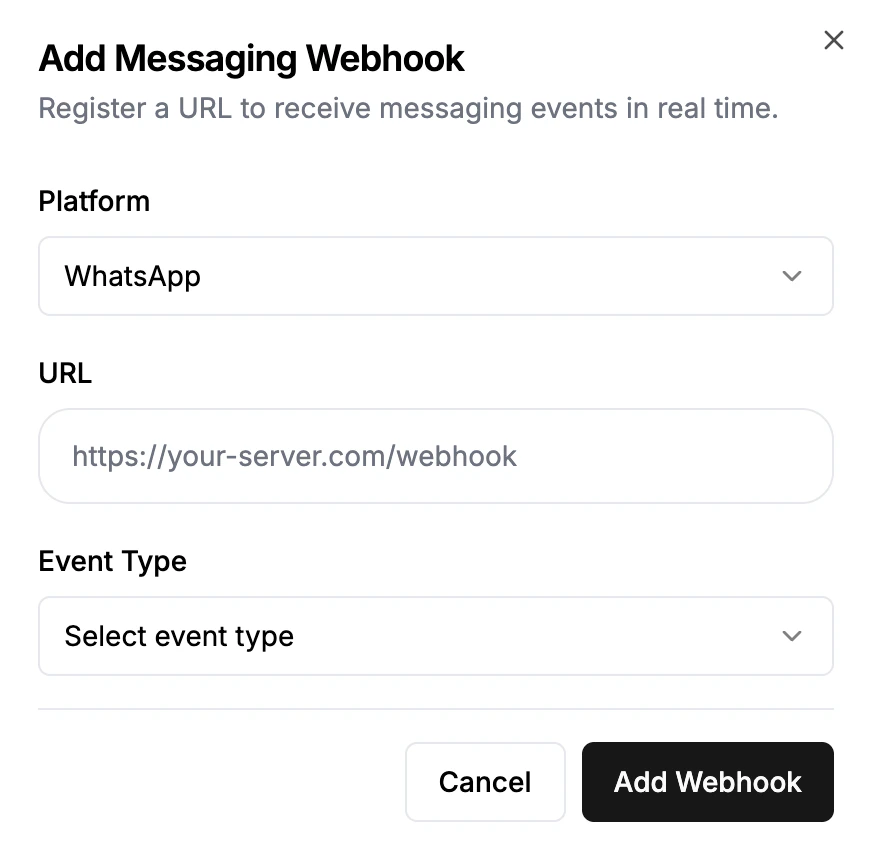
WhatsApp Events
message_received
Fired when a user sends you a WhatsApp message.
whatsapp_idis the contact’s phone number with country code (e.g.27834321234)media_type/media_url/file_nameare populated for image, video, audio, and document messageslocation_datais{ latitude, longitude, name, address }for location messagesreply_context_idis thewamidof the message being replied toreaction/reacted_to_message_idare only present whenmessage_typeisreaction—reactionis the emoji (e.g.👍) andreacted_to_message_idis thewamidof the message that was reacted to
message_sent (WhatsApp)
Fired when Meta confirms your outbound message was sent (lightweight receipt).
sent_message
Also fired on sent — but with the full message record so you have the message content.
message_delivered
message_read
message_failed
Fired for failed, undelivered, and warning statuses.
Web Events
Web webhooks fire for conversations that happen through the FlowIQ web chat widget. Register them by selecting Web as the platform when adding a webhook in the FlowIQ dashboard.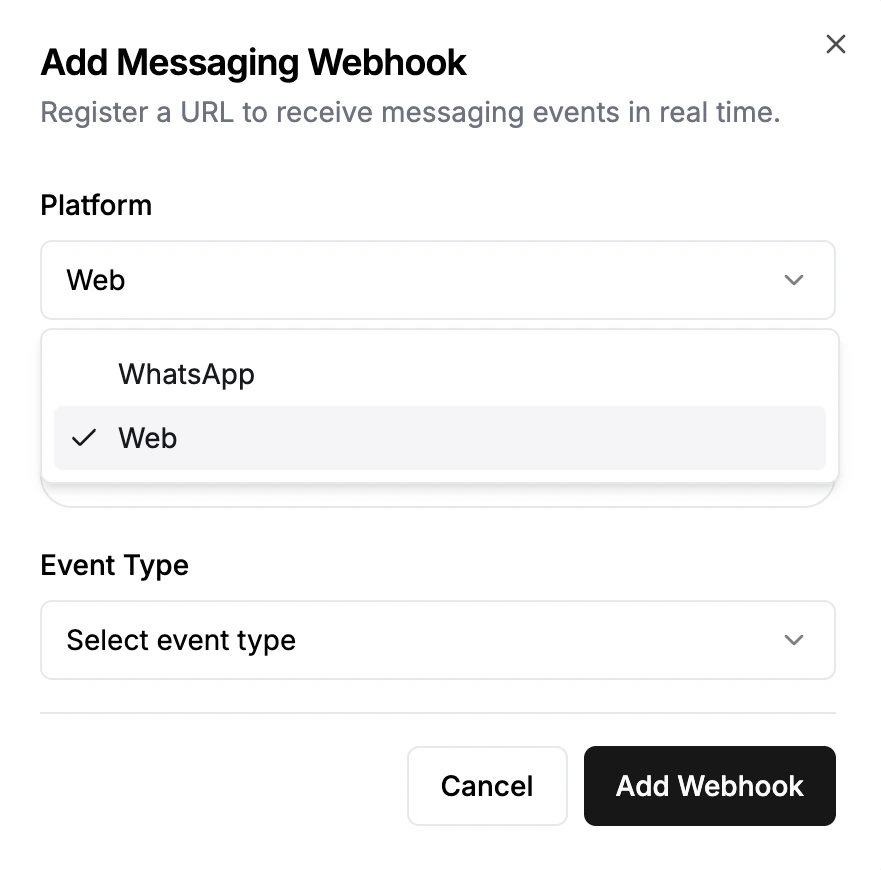
message_received
Fired when a web visitor sends a message (sender_type: "user-web").
sent_message
Fired when a human agent or AI bot sends a web message (sender_type: "human-web" or "bot-web").
sender_typewill be"human-web"for messages sent by a support agent, or"bot-web"for AI-generated replies.media_type/media_url/media_file_nameare populated when the message contains a file or image.more_datacontains any additional structured data attached to the message.